
Give your imagination a landscape
Create Your Own Fantasy Map
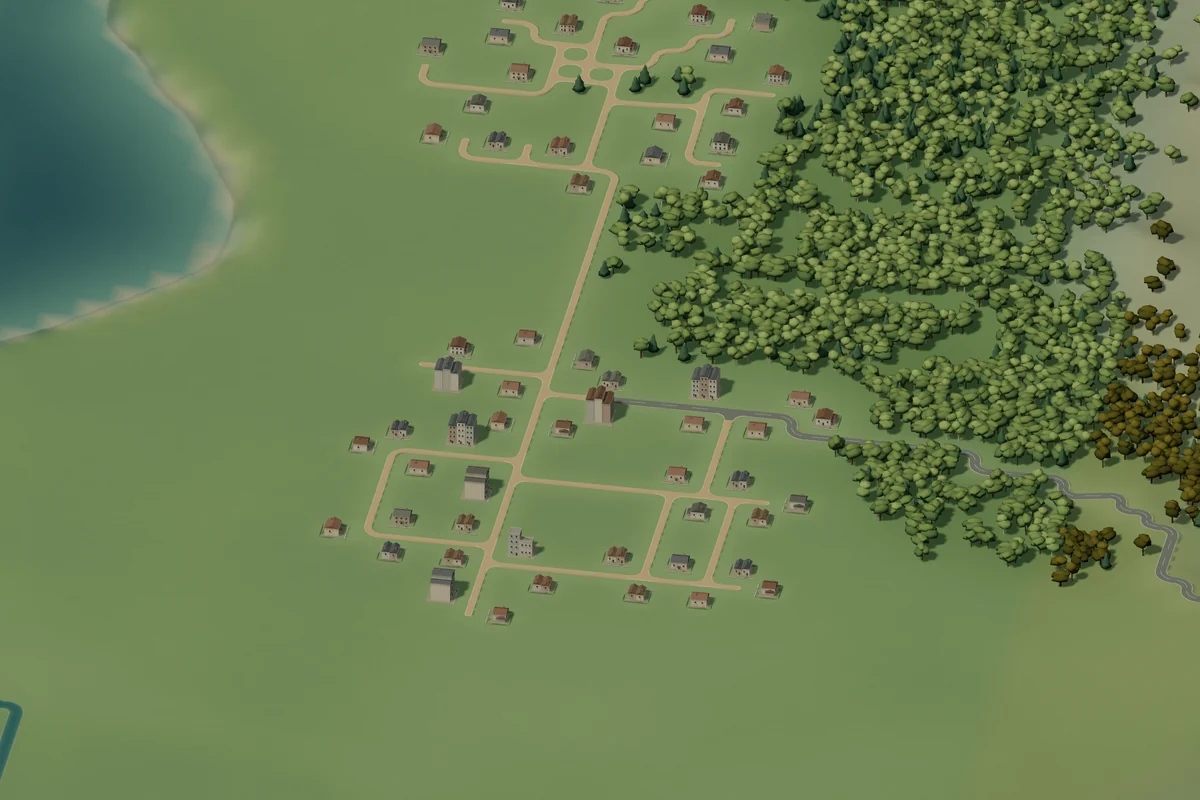
A river through a hidden valley. A woodland village. A castle above the trees. Shape the places in your imagination with Terrumi’s interactive 3D map maker.
From a coastline to a kingdom
Let the land
tell the story.
You do not need to begin with a finished plan. A bend in a river can suggest a village. A mountain pass can give a road its route. Build one interesting place, then discover what belongs beside it.
Learn the drawing tools- 01
Shape the edges
Use Land and Sea & lake to draw islands, sheltered bays and inland water. Leave space between landforms so the coast has room to wander.
- 02
Give the terrain depth
Add mountains, then use Sculpt to raise or lower the surface. Follow the contours with a river or a line of woodland.
- 03
Choose where people belong
Place buildings beside a lake, around a crossing or along a hillside. Connect small groups with paths before adding a larger town.
Choose a feeling
for your world.
Terrumi’s four world styles bring different trees, architecture and colors to the same set of creative tools.
Earth
Green landscapes, familiar trees and towns. A place to begin with something you know.
Sylvaria
Willows, blossom gardens and pale castles among rolling highlands.
Embervale
Amber canopies, timber villages and strongholds along winding waterways.
Astralume
Violet uplands, luminous groves and domed settlements beneath the stars.
Mix styles as you go. Choose a world in Next stroke style to use its look for your next strokes. Existing terrain and buildings keep their own style, so a new region can feel different without replacing the rest of your map.
A starting point, not a finished world
Explore first.
Then make it yours.
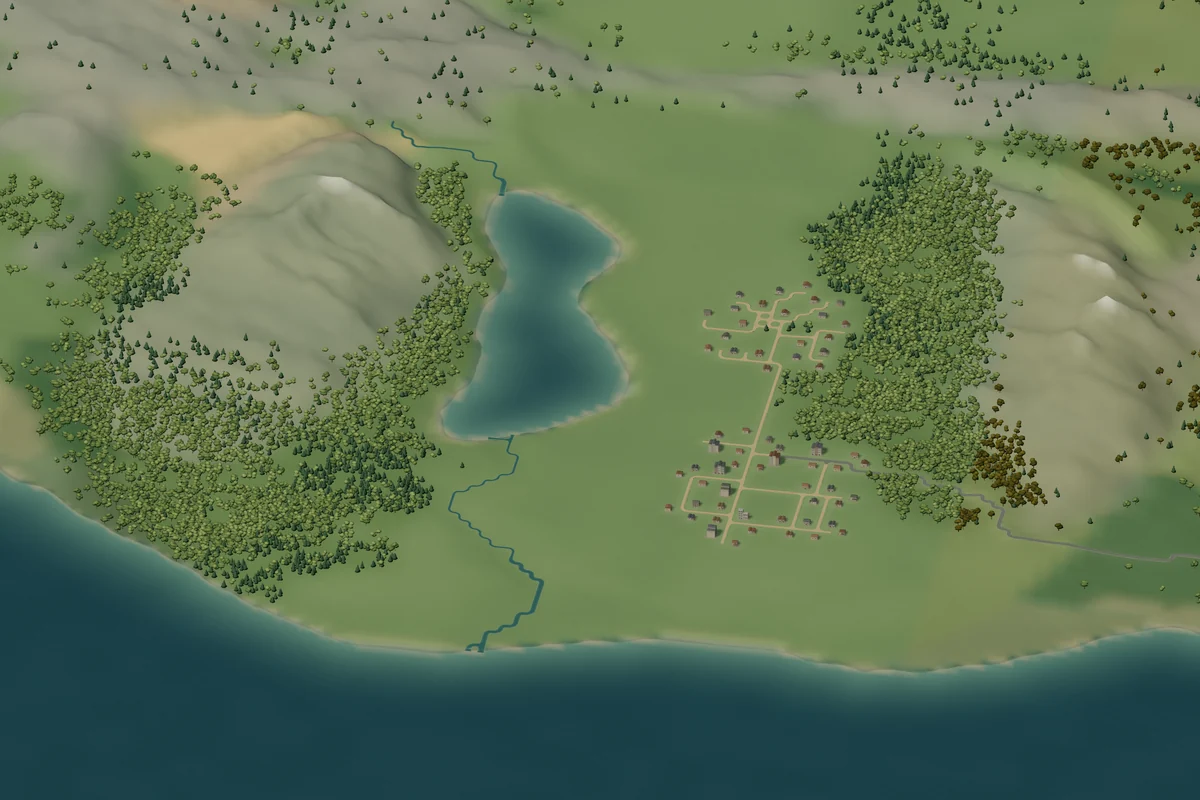
Ready-made planets give you coastlines, forests, waterways and settlements to explore. Creating from one gives you your own editable copy.
Prefer an empty canvas? Open ocean begins with water. Draw a little land, choose its world style and grow your map from there.
See what the world builder can doA few useful
starting questions.
Let the geography guide your next decision. There is no single correct way to build a world.
Where should I place the first settlement?
Try a river crossing, a sheltered coast or a clearing between hills. Use Pan and Orbit to inspect the place before adding buildings. Start small; roads and nearby landmarks can follow.
Can I name the places on my map?
Yes. Place names are optional. Add labels where they help you remember a town, river or region, and leave the rest of the landscape to speak for itself.
Can I save and keep editing my map?
Yes. Terrumi keeps one browser draft on your device. Use Save & export to download an editable JSON project, or sign in and explicitly save a separate cloud copy. A browser draft alone does not move between devices.
Your next world starts
with one place.
Make a woodland path, a quiet harbor or a hillside kingdom. The next detail is up to you.