
Your first world, step by step
How to Create Your First World
Start with a planet, choose a small place and make your first changes. This guide walks through Terrumi’s actual tools, from open ocean to a saved map.
Open the editorChoose where to begin.
Open the editor and choose Start with an example world for a ready-made place in Earth Haven. Or choose Create an empty world for open water. You can explore more planets in Space at any time.
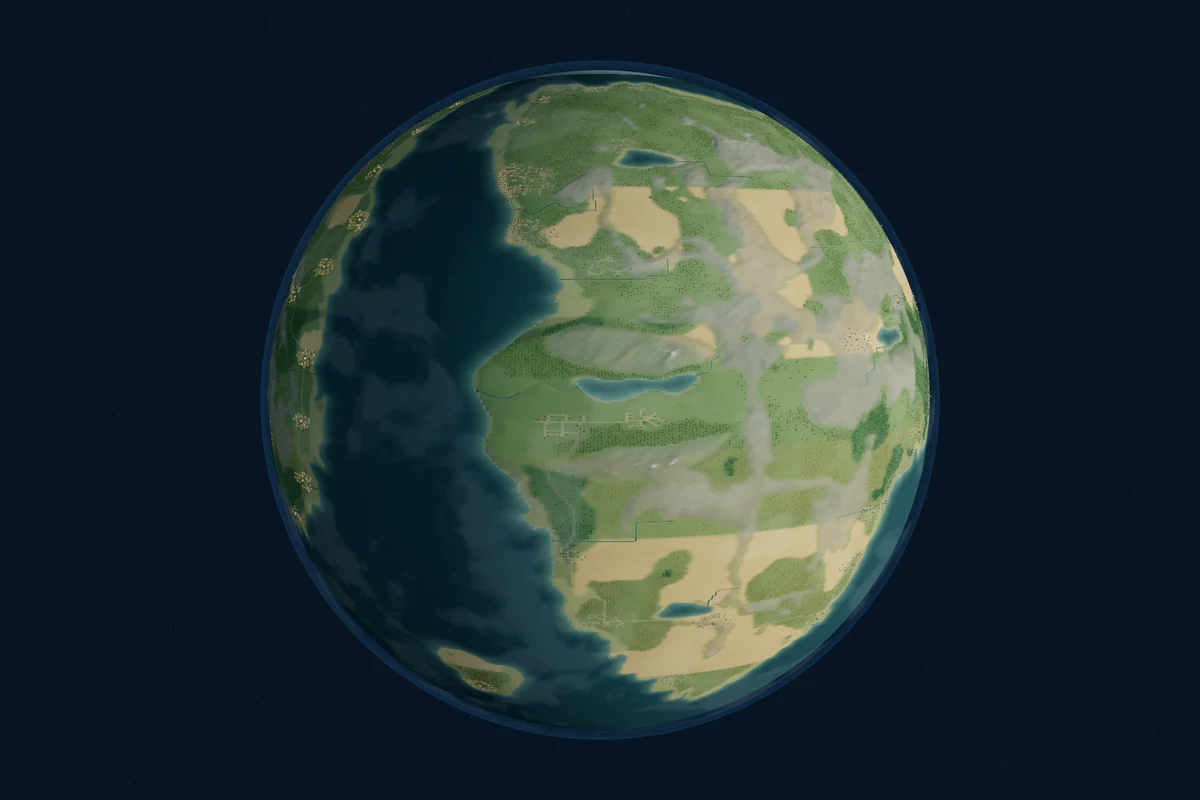
Begin with open water
Choose Open ocean for a fresh start. Give the planet a name and create it. Size and other options are available under Advanced. You will begin close to the water, ready to draw your first island.
Explore an existing landscape
Explore alpine lakes, wooded fjords, tropical islands and river meadows in five Earth-like planets. Or choose Sylvaria Gardens, Embervale Reaches, Astralume Sanctuary or the mixed-world Concordia. Each choice creates an editable copy with its world style already set; choose a place and start building.
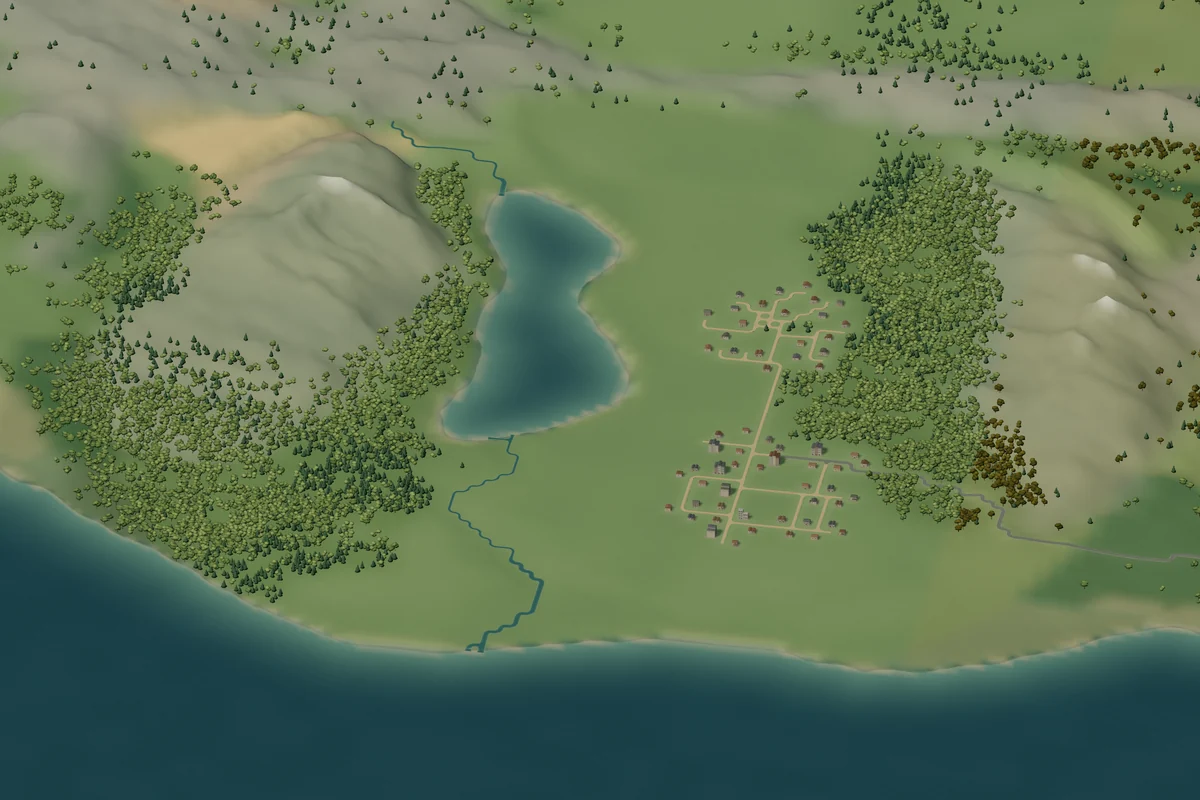
If you already have work in a browser draft, follow Terrumi’s keep-or-replace choice before creating another planet. Export a JSON backup when you want to keep an extra copy.
Choose a small place to work.
For a new ocean planet, choose its world type when prompted. Earth, Sylvaria, Embervale and Astralume set the character of its landscape and elements. Ready-made planets already have a character to explore.
Choose a region when the place picker appears, then enter the editor. You can start with one small area; you do not need to shape the entire planet at once.
| Flat map | Select Pan and drag. Scroll moves the view; Shift + scroll moves sideways. Ctrl/⌘ + scroll zooms. |
|---|---|
| Planet view | Use Orbit to turn the globe and scroll to approach a place. Double-click with Orbit to explore closer. |
| View controls | Use the visible + and − controls to zoom, and Fit map to bring the map back into view. |
Draw land. Give it character.
Choose Land and draw across the water to form an island. A stroke preview follows your pointer; release to apply it. Start with a broad shape, then use smaller strokes to refine the coast.
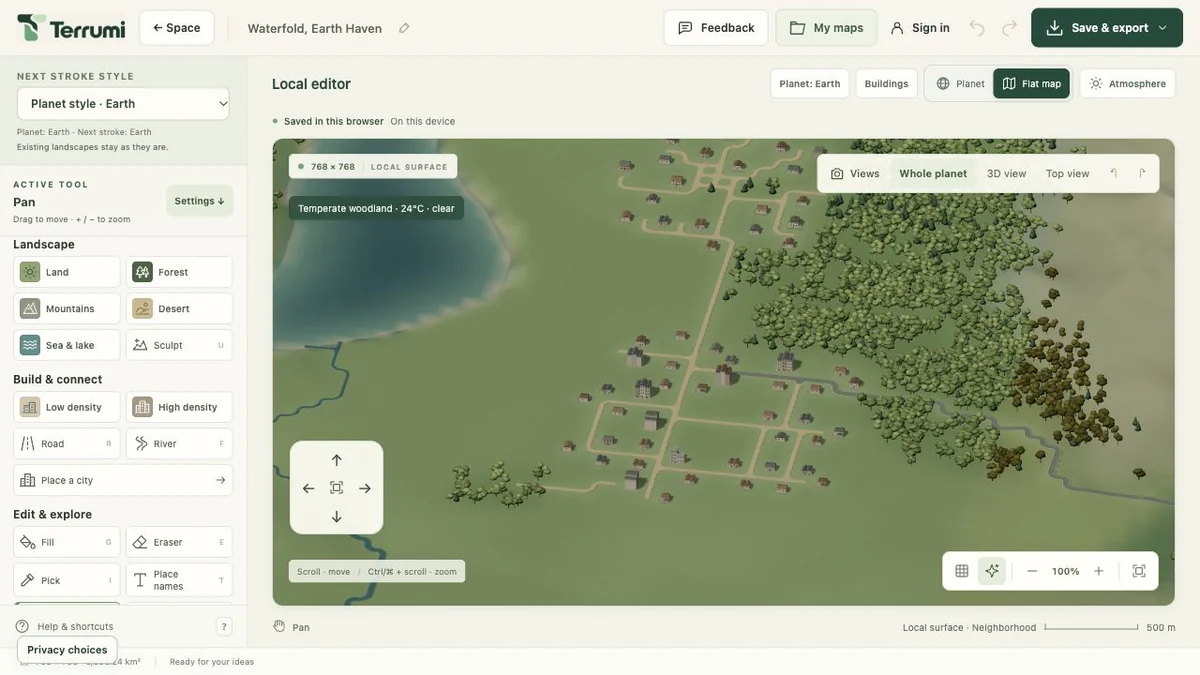
Build the relief
Add Mountains or choose Sculpt to raise and lower the land. Use Sea & lake for inland water and River to draw a waterway through the landscape.
Leave room for details
Choose Forest and adjust tree cover in the tool settings. Leave some clearings and riverbanks open so the scene has a mix of woodland and empty space.
Trying something out? Undo removes the previous completed edit; Redo restores it. Press Esc to cancel a stroke preview before releasing. The help menu lists the available shortcuts.
Make a place worth exploring.
Add buildings to a clearing or a riverbank. Use the building tools for smaller additions, or Place a city to plan a larger settlement. Set a footprint in km² and a population target, then inspect the placement preview. The result depends on the land available.
Choose Road to connect buildings and nearby places. Road settings offer different types; fantasy styles use narrower paths. Cross a river with a road to create a bridge where the map supports it.
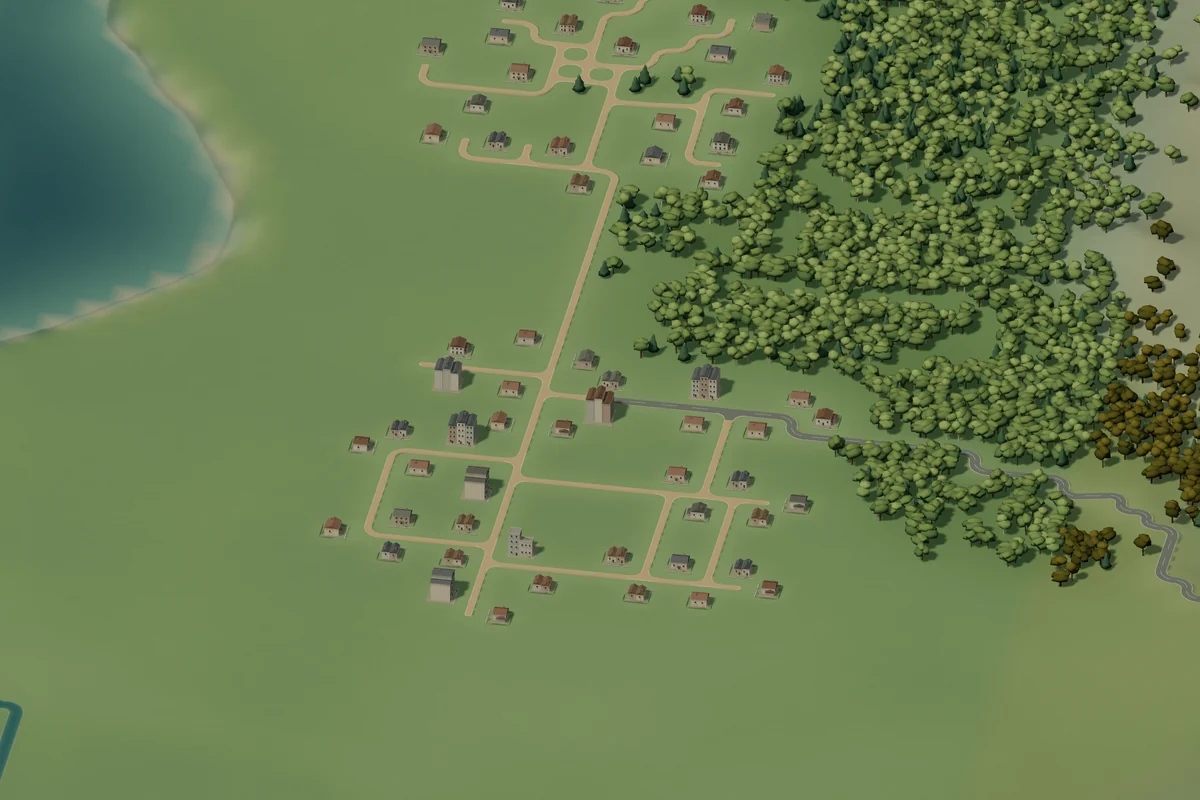
For a different look in one area, change Next stroke style before drawing. This affects the next elements you place, while earlier work keeps its style. Add Place names if you want to label a settlement or landmark.
Keep your world for next time.
When you finish an edit, check the save status. Terrumi distinguishes a draft in this browser from a map saved to your cloud account.
Keep an editable backup
Open Save & export, then Save project as JSON. This downloads a project you can edit again. Use Open project to load it later. Export as PNG saves an image of your current 3D view.
Save to your account
Choose Sign in and complete the email-code sign-in. Then use Save a cloud copy and confirm the account. Open your saved planets through My maps or return to them in Space.
A browser draft stays on this device. Signing in alone does not upload it. Save a cloud copy explicitly, or export JSON before clearing browser data or replacing the draft.
Start with a little land.
Choose your planet, find a place and make your first mark.